A few months ago I wanted to try something: make a commercial that feels like a perfume ad — abstract, ethereal, more mood than message — but for a product that has nothing to do with that world. Sunflower oil.
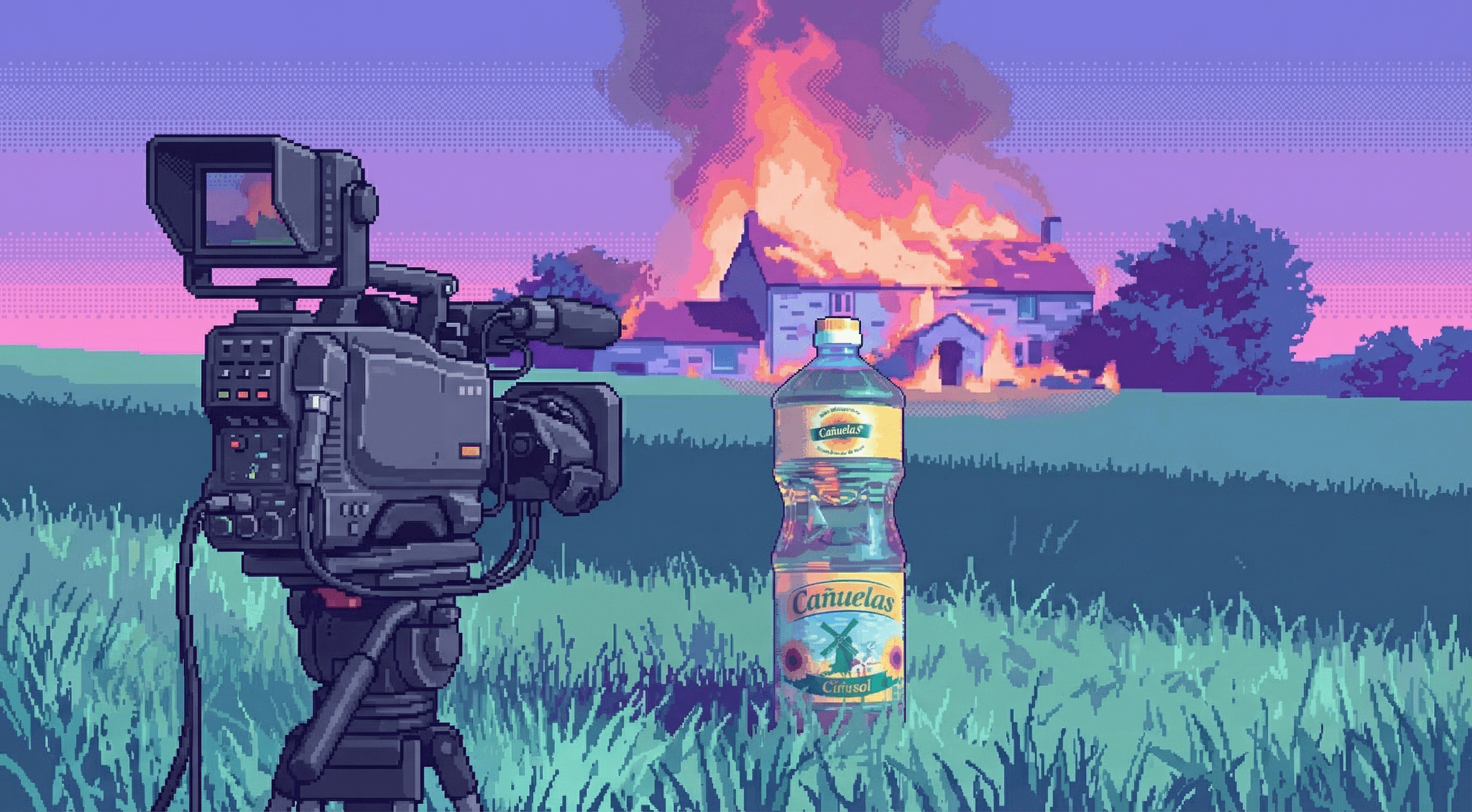
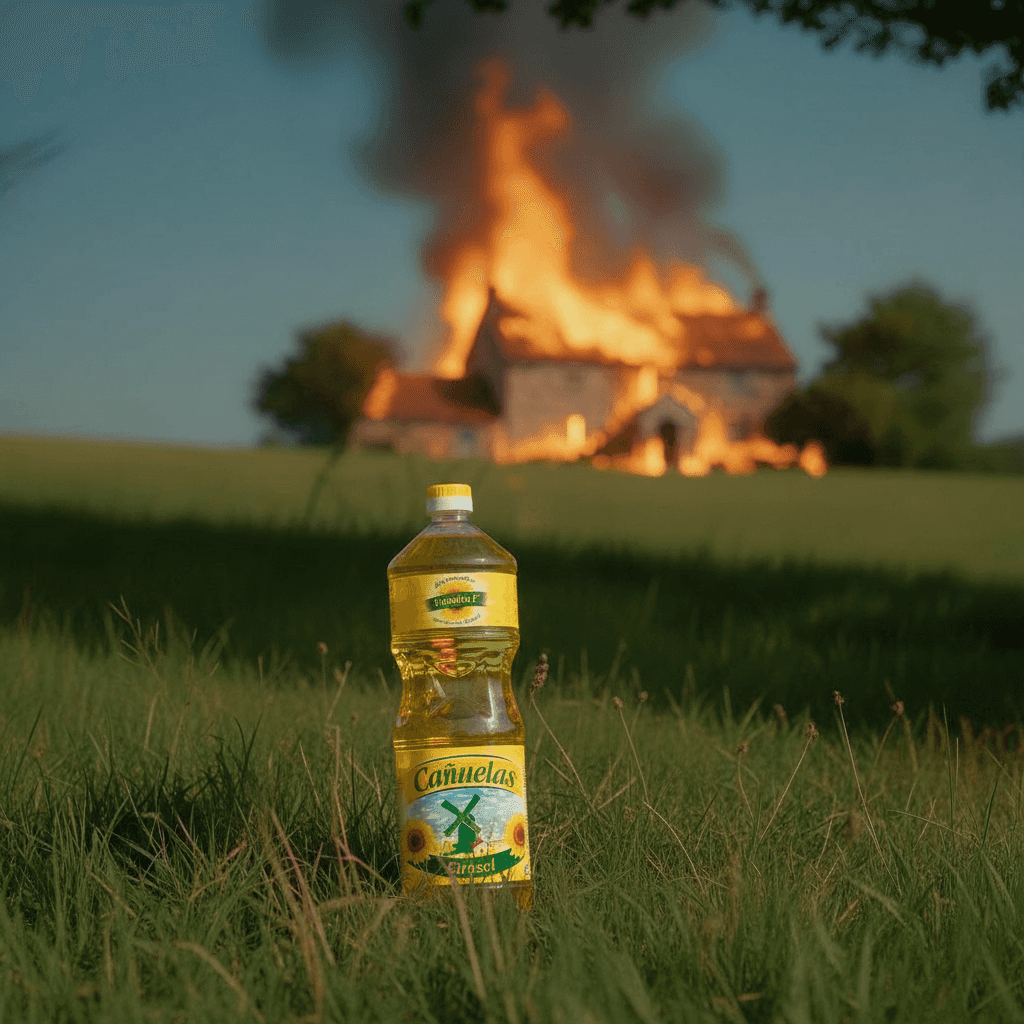
The result was a 30-second video with a woman walking through a field at sunset, a house burning in the background, and a bottle of sunflower oil as the closing shot. All AI generated. All edited like a piece of cinema.
The problem isn't the model
The workflow 90% of people use: open a video generator, write a prompt, generate, get disappointed, tweak two words, repeat.
A director doesn't show up on set and say "shoot something nice." They show up with a moodboard, defined characters, a shot list, and an audio strategy. With AI it's exactly the same. The difference between an ad that looks generated and one that looks directed is everything you do before generating.
The mother image
Before building the whole sequence, you need an image that defines everything: visual tone, palette, light, mood. I call it the mother image. Everything you generate after starts from it.
For the oil, I iterated using moodboard references until I landed on an image that had exactly what I was after: a woman in a field, sunset light, a cinematic texture. That image and the prompt that generated it became the anchor for the whole project.
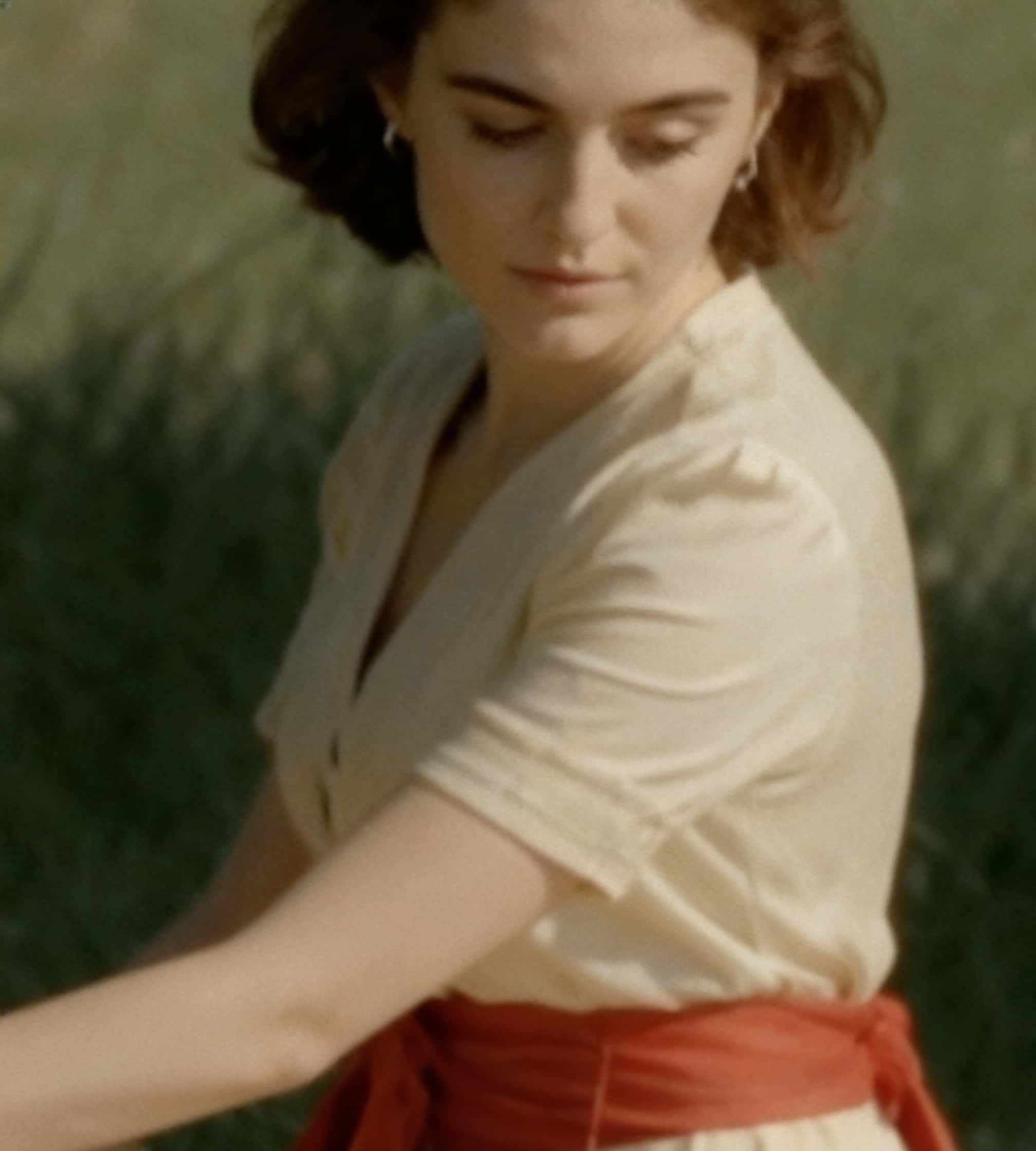
Today I'd use Nano Banana Pro with the moodboard references and it'd be simpler. That's a pattern you'll see repeatedly: the best models for each task keep changing. What matters is testing two or three and comparing — the canvas lets you see them all side by side.
Build the storyboard
Drag the mother image onto the canvas, select it, and use Remix — because you start from an image and want to get another image. Describe what you need.
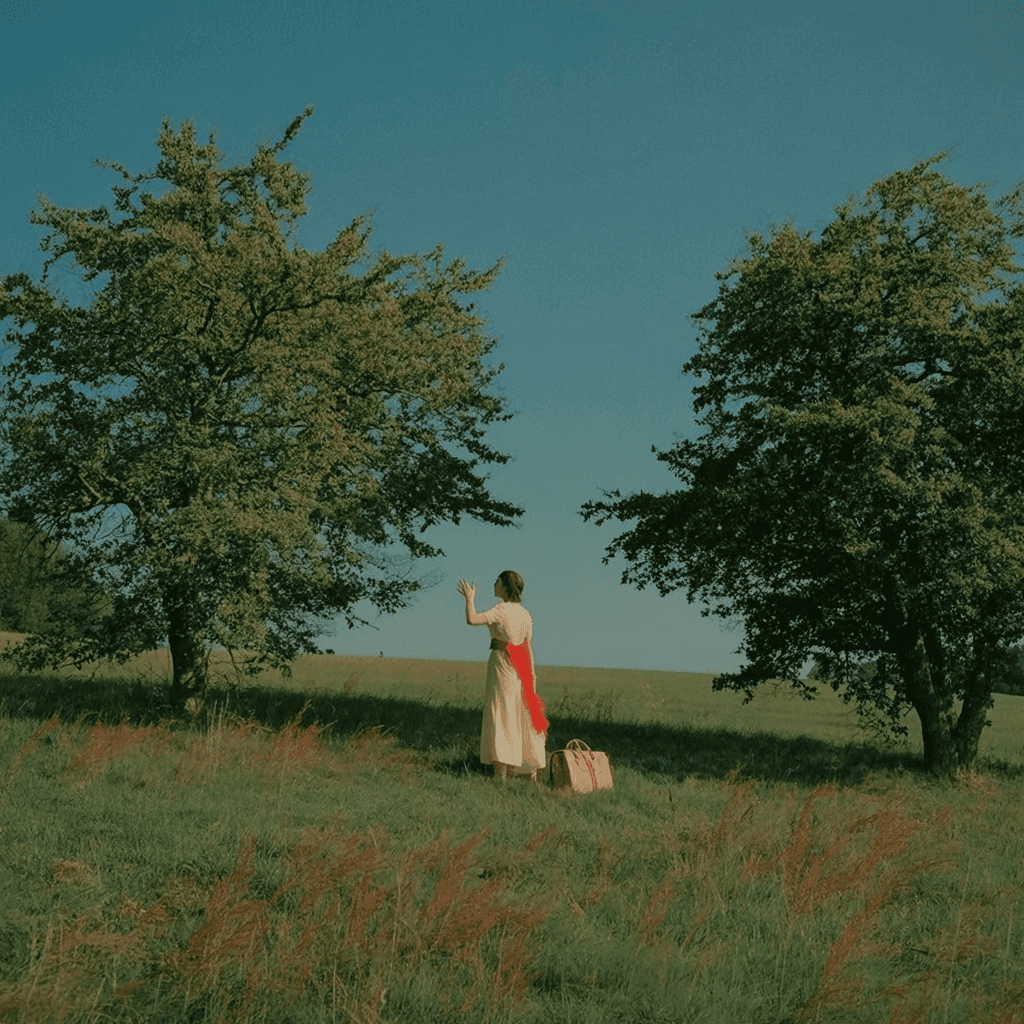
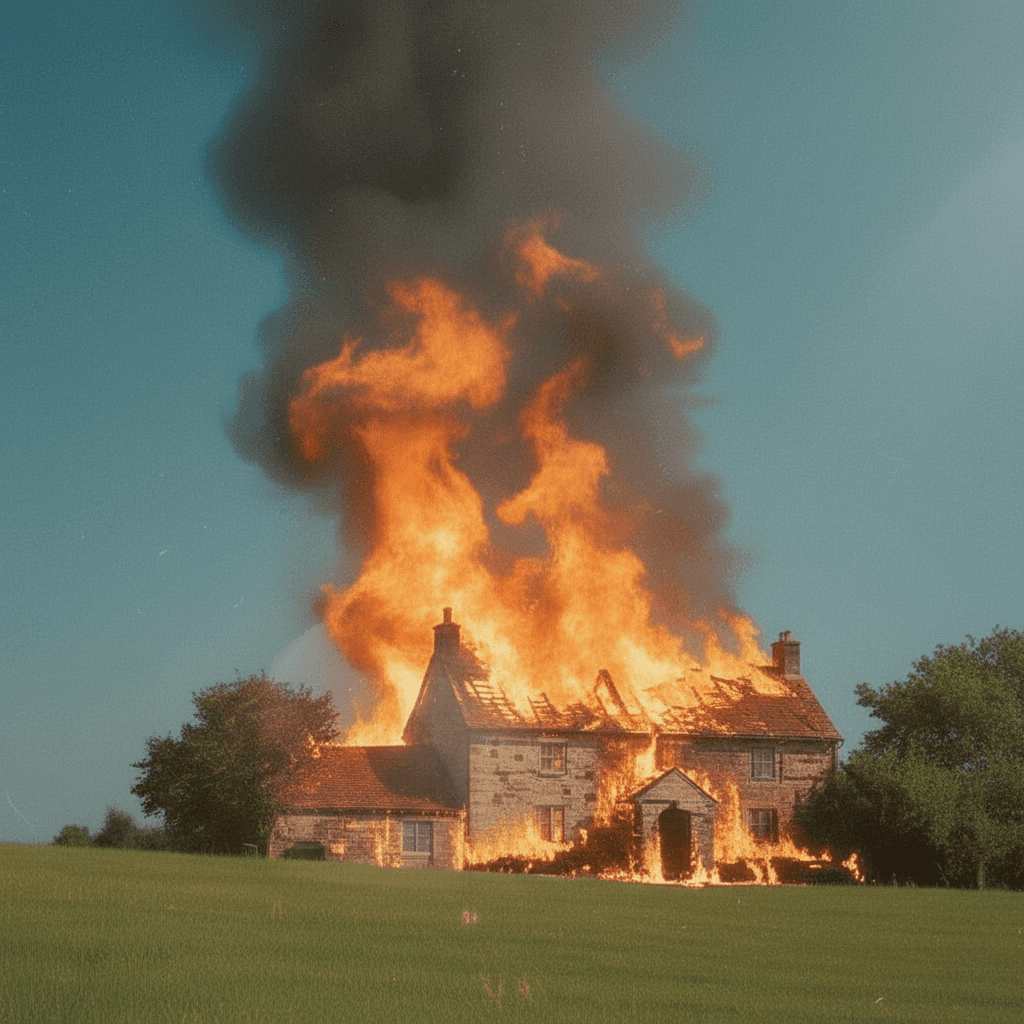
From the woman in the field I asked for variations: the same woman from farther away, a shot showing there's a house in the field, the house catching fire, a close-up of a purse on the grass. Each new image used the mother as reference to keep consistency.
The loop
The storyboard isn't built only from images. As shots started landing, I'd convert them to video. And every so often, inside a generated video, a frame appeared that was better than any image I'd prompted.
In Dual, when you play a video there's a camera button — screenshot the current frame as an image you can use. The actual flow ended up being: mother image → Remix for new shots → Convert to video → extract good frames → use as new references → Remix for more shots. Constant back-and-forth.
Inserting the product
The product had to appear at the end. I took a close-up of a purse on the grass and used Remix to swap it for the oil bottle. Then I converted it to video.
Think like a director
An ad isn't a single shot. It's a sequence of shots that tell something in 15 or 30 seconds. If you don't think through the sequence before generating, you'll end up with a pile of clips that don't connect.
For the oil, the narrative was: a woman in a field in a calm, ethereal shot. The frame opens up and reveals that, in the same field, there's a house on fire. From calm to chaos. And at the end, the product.
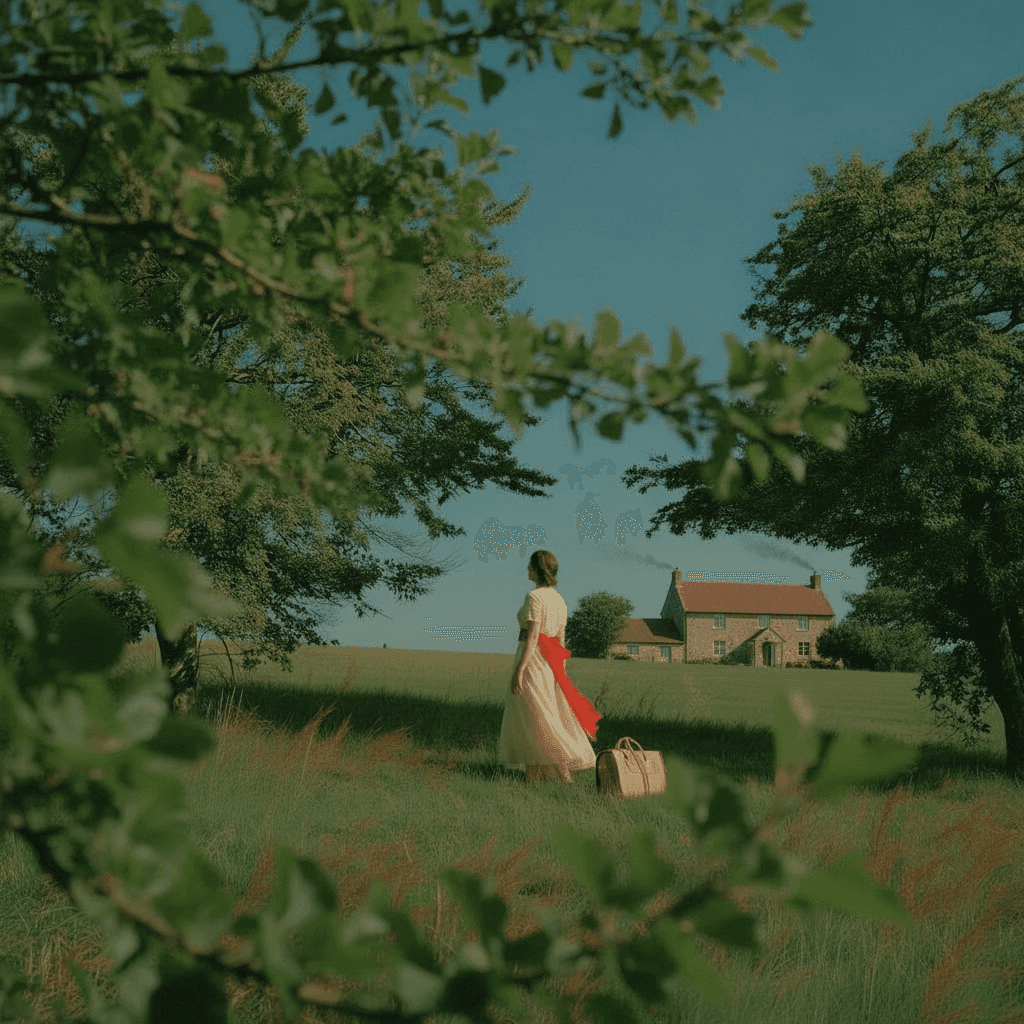
The sequence in practice: establishing shot of the field → medium shot of the woman walking → the house gets revealed → the house starts burning → close-up of the fire → insert of the oil bottle lit by the fire.
Animate
Select the image, Convert to video, pick the model. Kling 3.0 is the most complete one today: believable performance, stable motion, good prompt following. But it's slow. Kling 2.6 and Seedance are faster alternatives.
For the oil I used Seedance. The shots are fairly static — the woman walks slowly, the fire moves but the camera doesn't do anything wild. Today I'd build shots with more motion: a tracking move following the woman, a crane up revealing the fire. The current models allow for it.
The video prompt doesn't need to repeat what's already in the image. The image already encodes the style, the subjects, the lighting. Just specify camera movement and actions.
Kling lets you define not just how the video starts but how it ends (start/last frame). That's key for ads: you want the last frame to be your product, your logo, your final composition.
Audio
The ad's music was the first thing I picked. Before generating a single frame I already knew what song, what the timing was. That defined the duration of the shots, where the cuts went, the rhythm. If you start with the music, the shots get generated with the right duration from the start.
The ad has no dialogue. And it's not by accident. When I made it, the lipsync models weren't producing believable results. So I reframed the idea: a purely visual piece with music. The limitation became a creative decision. Half of directing with AI is understanding what the models can do well today and designing around what they can't.
Today the story would be different. Models like Creatify Aurora and Fabric generate video with believable lipsync from a static image and an audio (Convert). And since I have the whole project saved on the board, remaking or expanding an old idea is just opening the board and trying it with the new models.
The pipeline
Aesthetic. Moodboard with references. Collect images, iterate without pressure.
Mother image. Iterate until you find the image and the prompt that defines everything.
Storyboard. Image-to-image Remix starting from the mother. The loop: generate shots → convert to video → extract good frames → use as new references.
Animation. Convert to video. Camera movement + actions. Start/end frames to control where you land.
Audio. Pick the music before generating. "No music" in prompts to control the soundtrack in editing.
Recycle. Dual saves the inputs of every generation. When a new model ships, go back to the board, re-run old shots, and compare. Ideas don't expire, models do.
What matters
The ad works not because the models are good — they are — but because before generating a single frame there was already an idea, a narrative, music, and a mother image that defined everything. The models executed. The direction was human.
A few days ago I went back to the board and re-ran every shot in Kling v3. I didn't have to rethink anything. The board has it all: the mother images, the prompts, the parameters. I just changed the model and generated again. The ideas I had months ago now look better because the technology improved, and recycling them was trivial.
Ideas don't expire. Models keep getting better, and if your process is set up right, every model upgrade is an automatic upgrade to your earlier work.